Your first five minutes
A guided tour of the network panel — from your first login to your first tracked click. Start here.
Updated 2026-06-09
Welcome to your network. This guide walks you from your first login to your first tracked click. It takes about five minutes, and at the end you'll have a working campaign, an invited publisher, and a verified tracking link.
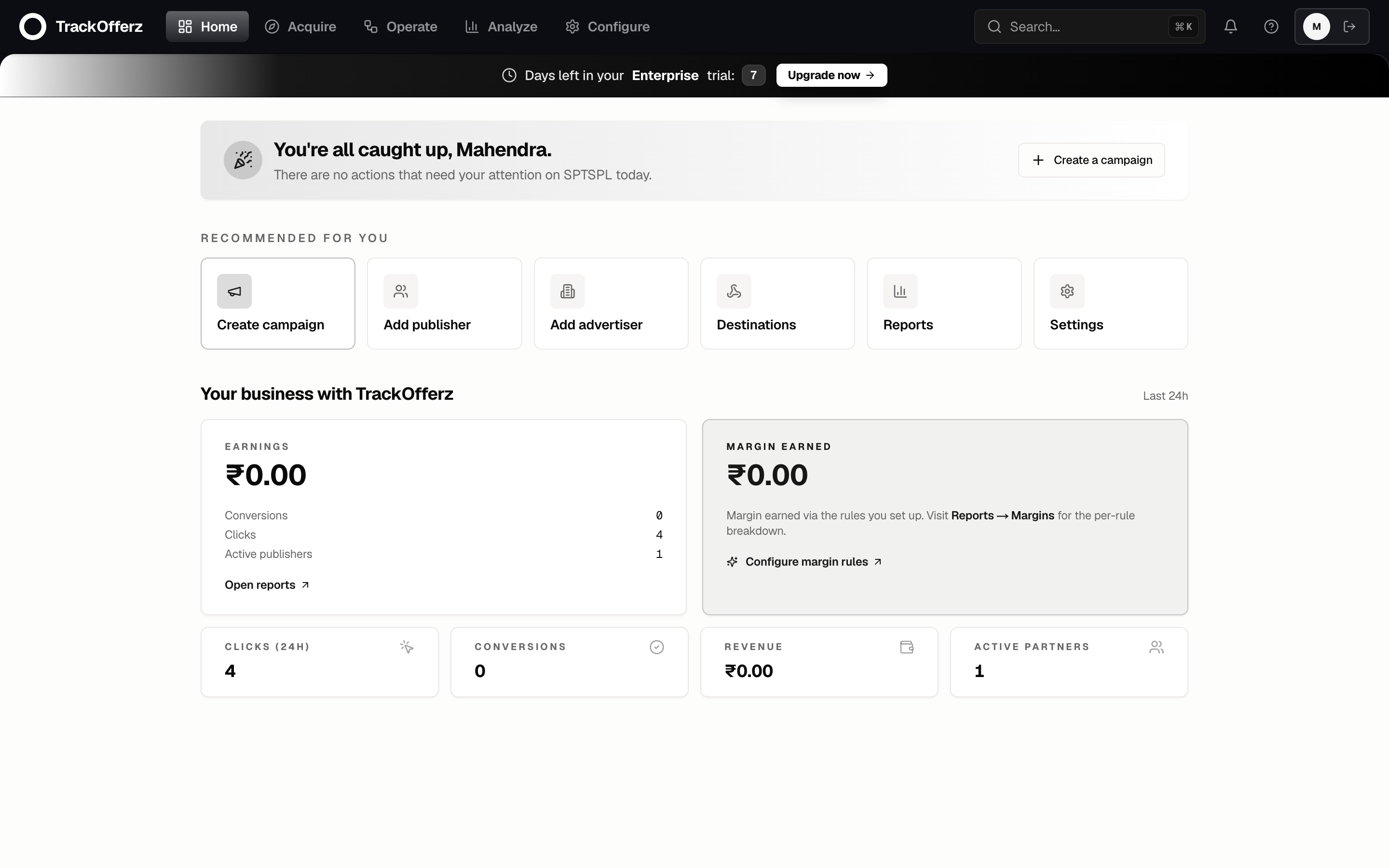
How the panel is organised
The top navigation groups everything into five areas. You'll spend most of your time in the first three.
| Area | What lives here |
|---|---|
| Home | Your network at a glance — clicks, conversions, earnings, alerts. |
| Campaigns | Campaigns, advertisers, publishers and their applications. |
| Payouts & tracking | Payouts & billing, postbacks & webhooks, test tracking. |
| Reports | Performance, conversions, postbacks and exports. |
| Settings | Profile, team, branding, plan & billing, API keys. |
The ? icon in the top-right replays the in-product tour any time. If you'd rather be walked through the panel live, it points at every control as you go.
The five-minute path
These are the five steps that take you from an empty network to a tracked click. Each one has its own detailed guide — this is the map.
- Create a campaign. A campaign is one offer with a destination URL and a payout. Create your first campaign →
- Invite a publisher. Publishers drive the traffic. Each one gets a tracking link with their ID baked in. Invite a publisher →
- Verify your tracking. Fire a test click and confirm the edge sees it — before you spend a rupee on traffic. Verify with the click-test tool →
- Read your reports. Every click and conversion lands in real time. Reading your reports →
- Brand your network. Make the panel yours — logo, colours, custom domain. Brand your network →
What the platform handles for you
You configure the business — advertisers, campaigns, publishers, payouts. The platform runs the machinery underneath.
| You configure | Platform handles |
|---|---|
| Branding, domain, team access | Sub-50ms edge tracking, fraud filtering |
| Advertisers, campaigns, publishers, caps | ClickHouse-backed analytics, postback delivery |
| Payout terms + invoicing | Cookie + cross-device attribution, audit log |
Coming from Trackier, Trackdesk, Affise, CAKE, or TUNE? Most concepts map 1:1. The biggest practical difference: conversions are captured at the edge, not the panel — so your reports lag the click by about 50ms instead of several seconds.
Ready? Start with creating your first campaign.